How to Read Scissor Product Photos
By SalonScissors editorial team Updated
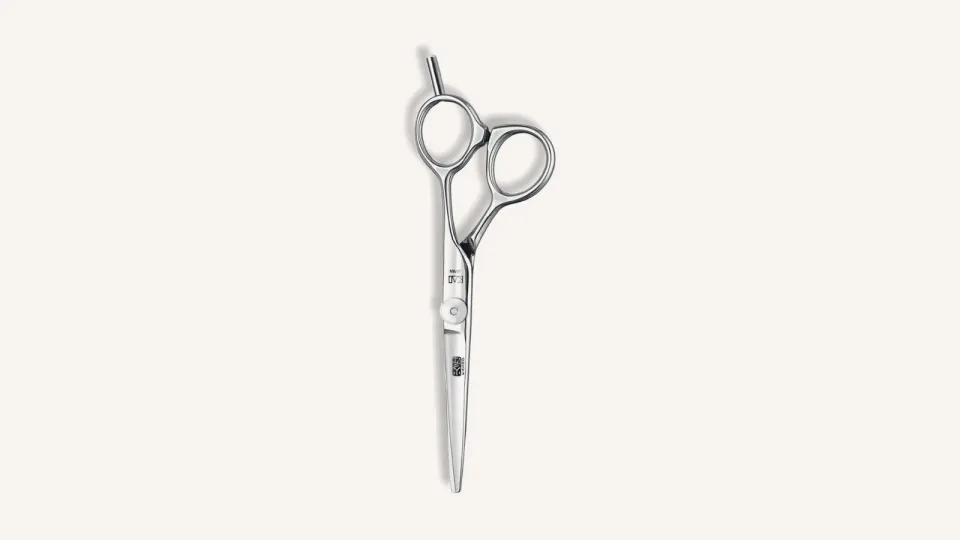
A good gallery shows you the handle, the edge and what’s in the box. Here’s how to read one.
Start with the whole tool
Find the photo of the whole scissor, closed, like the one above. Then use the close-ups for detail: the pivot, the handle, the finish.
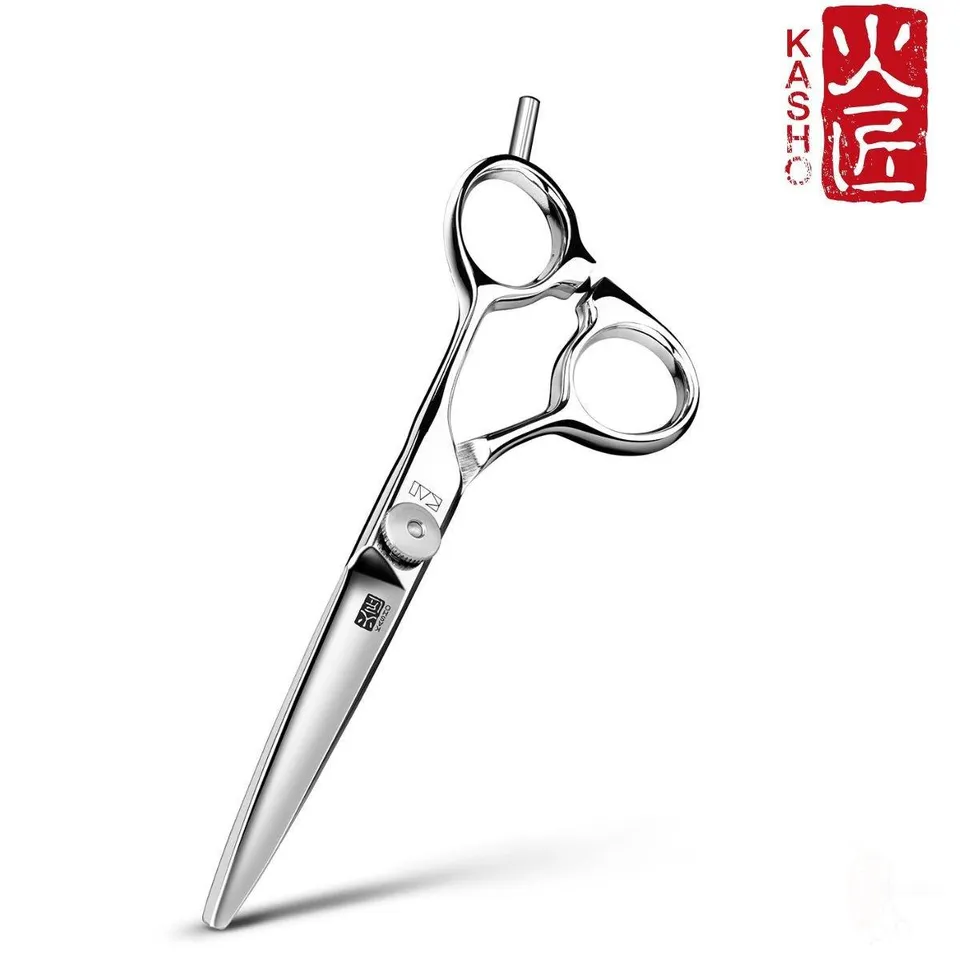
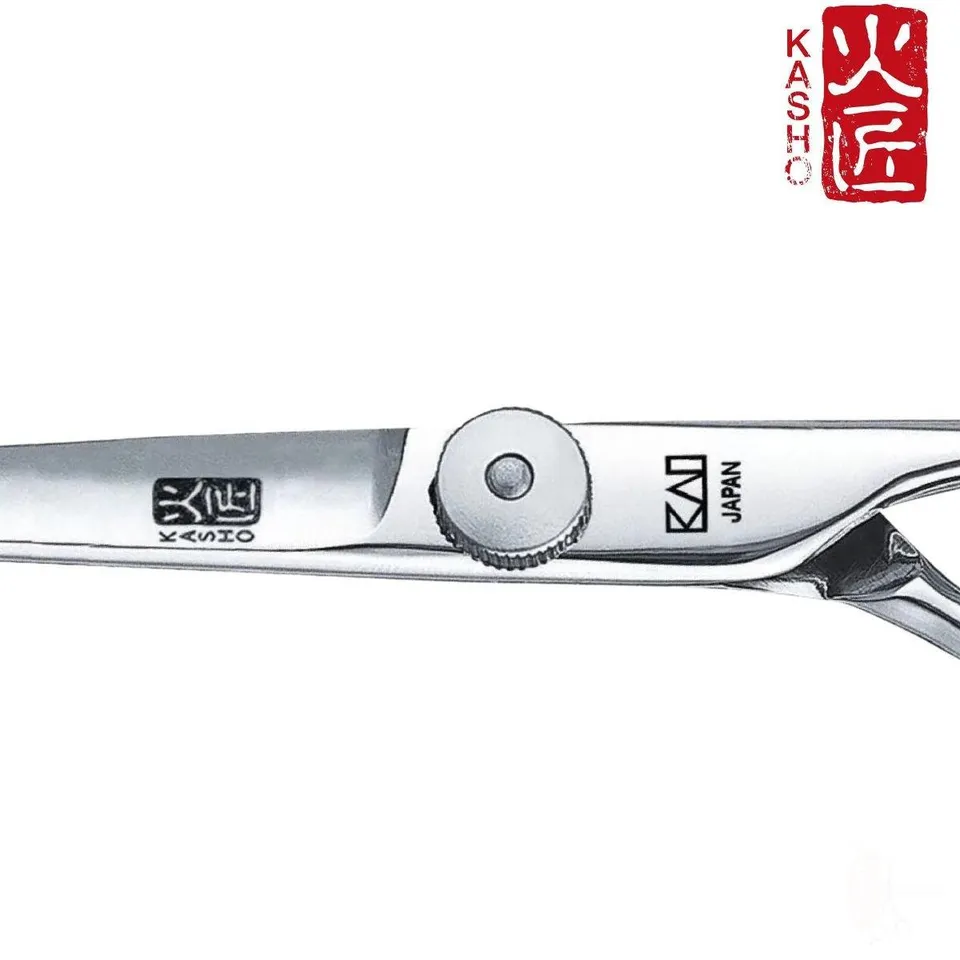
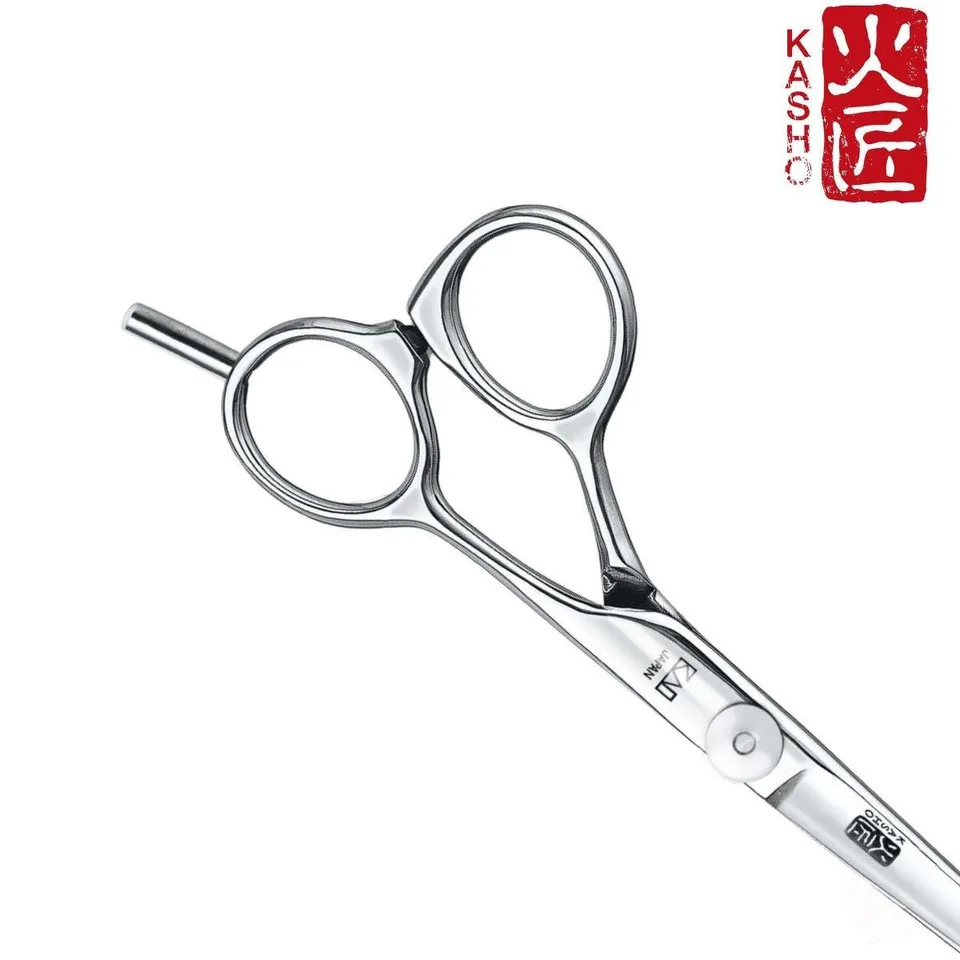
The same Kasho listing has three more views: angled, a pivot close-up and a handle close-up. Use the close-ups for detail once you’ve seen the whole tool.
A cutter: Ichiro Ergo
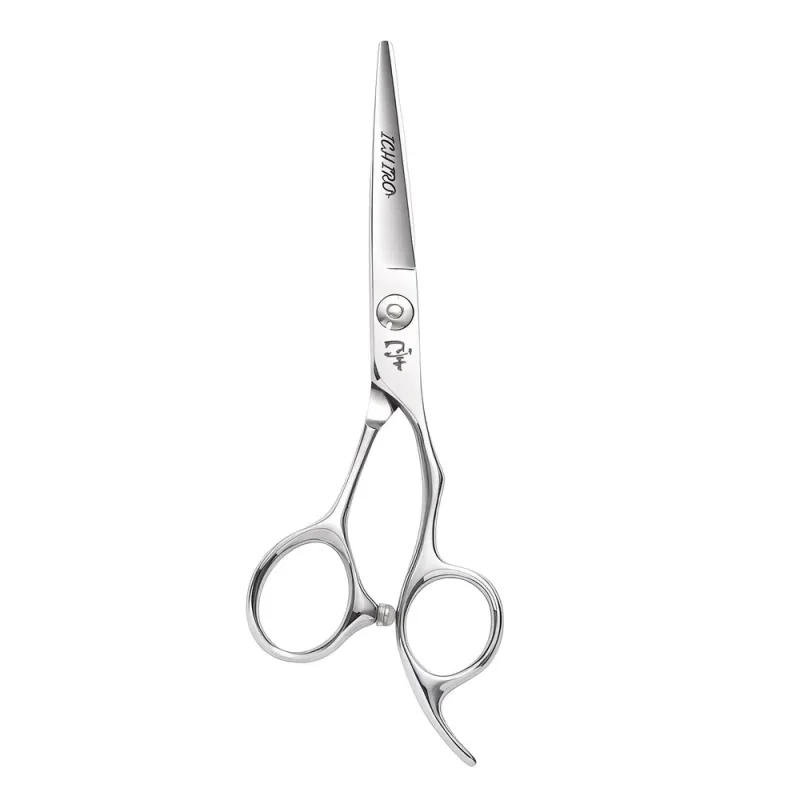
What you can see: The whole tool, closed: tips, pivot, both rings and the finger rest. It’s the view to judge the handle from, and the listing says it’s an offset.
Check the listing for: Which edge you’re getting. The 5.5” option is a convex slice edge and the 6.0” is micro-serrated, and one photo covers both.
Can you tell the size from a photo?
No. Each photo is framed differently, so a short pair can fill more of its picture than a long one.
Zoomed in
The scissor fills the frame, so it looks long.
Zoomed out
The same scissor with more space around it looks short.
Compare the listed size, and the maker’s blade length if there is one. The size guide shows how to measure the pair you have.
How do you read a thinner’s photo?
Find a photo where the teeth are clear. You’ll see the pattern, but take the tooth count from the listing. Joewell’s thinning guide says tooth shape changes the cut as well as the count.
A thinner: Joewell E40
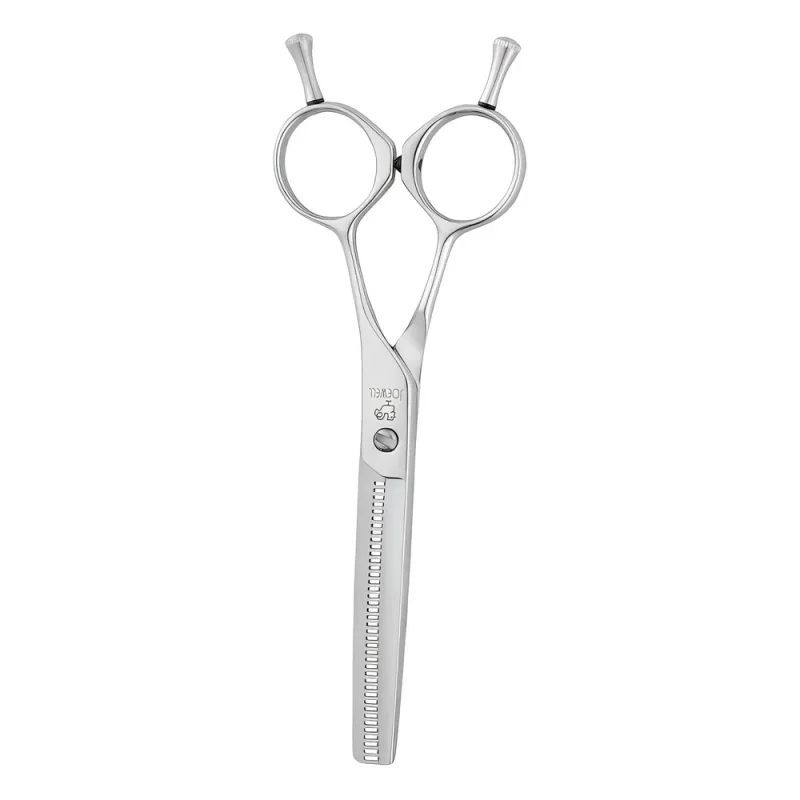
What you can see: A row of fine teeth along one blade, level rings and a finger rest on each ring.
Check the listing for: The tooth count and size. The listing gives 40 teeth and 5.6”; don’t try to count teeth on a thumbnail.
The cut ratio guide explains the maker figures that tell you more than the photo can.
How do you read a set photo?
Find each tool in the picture, then match it to the listed contents. A set photo shows one combination, and the option you choose can change the cutter.
A set: Ichiro Ergo set
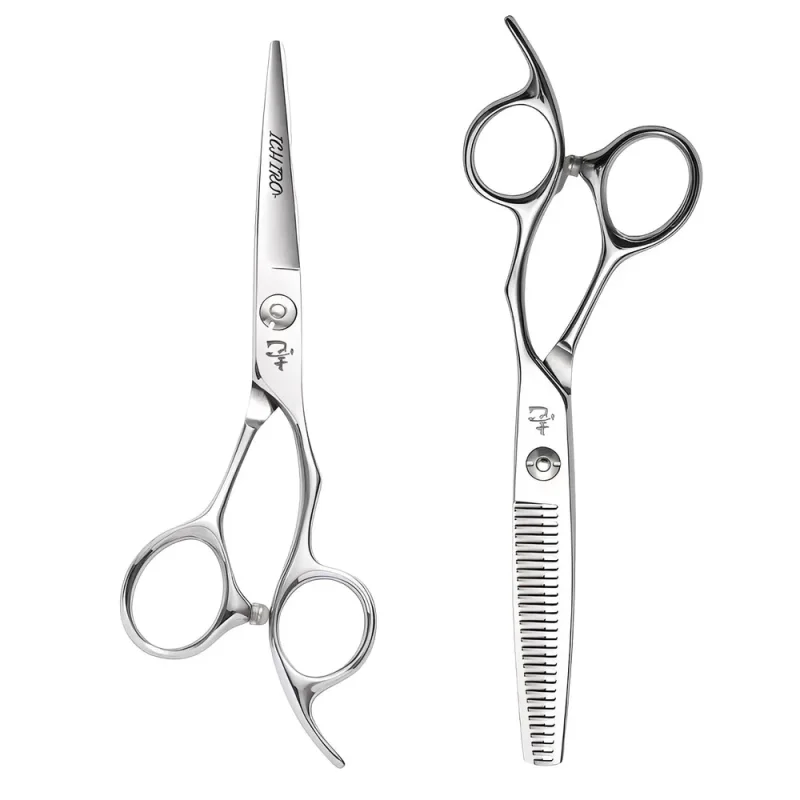
What you can see: Two tools, head to tail: the cutter’s handle at the bottom, the thinner’s at the top.
Check the listing for: Which cutter comes in the set. You choose a 5.5” convex slice or a 6.0” micro-serrated cutter, each with the same 6.0”, 30-tooth thinner.
View the Ichiro Ergo Slice & Serrated Hairdressing Scissor Set
Common questions
Does the photo show the exact size I’m ordering?
Not always. One photo often covers every size and hand in a listing, so go by the option you choose.
Can I tell a left-handed pair from the photo?
Sometimes. Some left-handed pairs, like the Yasaka, say LEFT on the blade. Otherwise, go by the hand in the listing.
Why does the same scissor look different on two sites?
Different photos, angles and lighting. Compare the model name and option, not the picture.
Still not sure?
Ask us for a clearer photo. Send the product link and option with what you want to see, for example: “Can you show the thumb ring from the side?” When you’re ready to order, run through our eight checks before you pay.